BLOG · OCTOBER 21, 2026
What to put in your digital guidebook (and what to leave out)
Answer the questions guests actually ask, send arrival info at the right time, and keep house rules matching your listing. A practical guidebook outline.
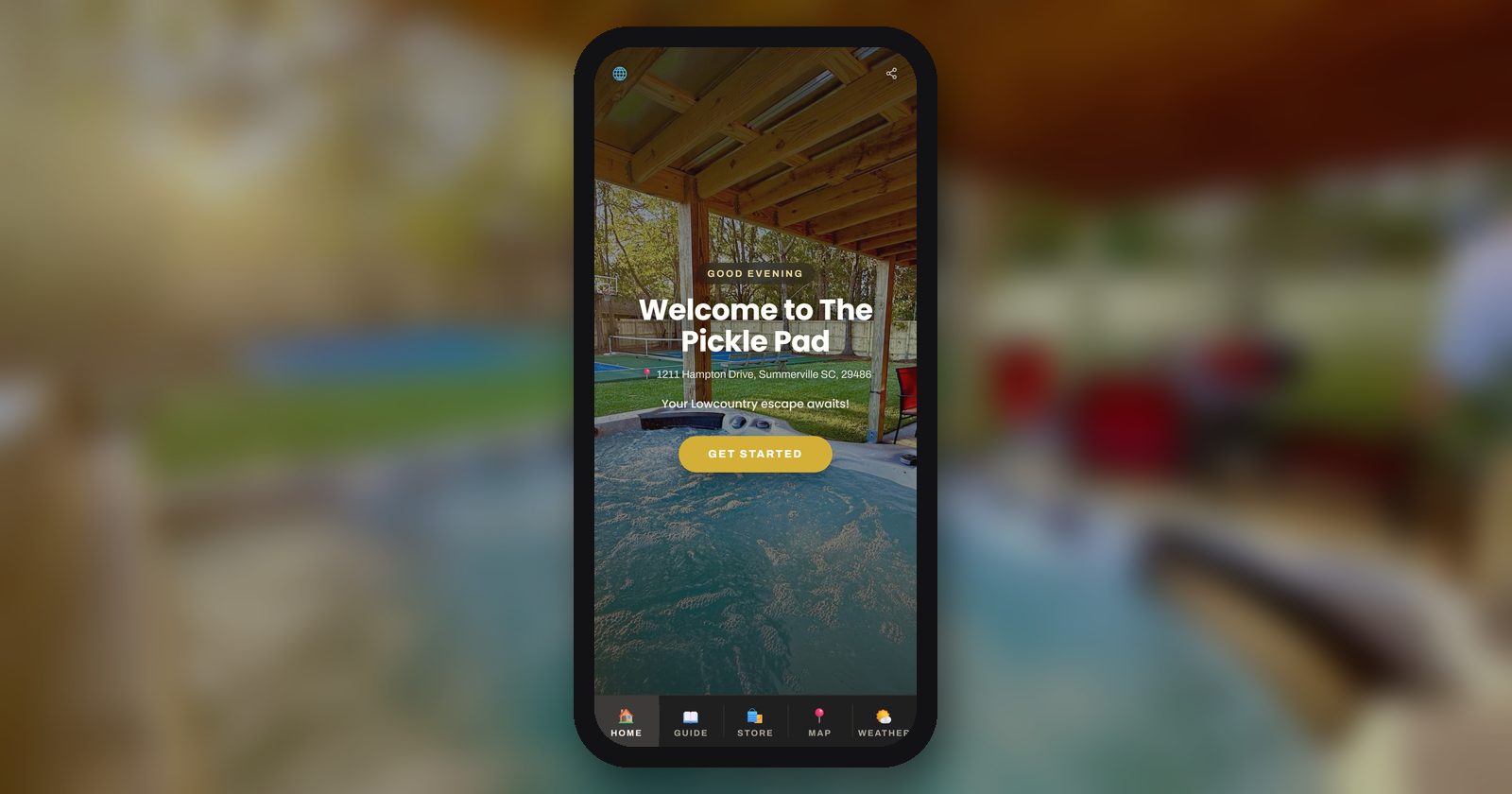
A guidebook isn't a novel about your house. It's the answer sheet for the questions guests would otherwise text you at 10 pm.
The easiest way to build a good one is to start from those questions, not from a template. I spent some time this month reading what hosts are actually discussing on Reddit, and the same list comes up again and again.
The questions guests actually ask
When hosts list what they get asked over and over, it's almost always the same handful:
- What's the WiFi?
- How do I get in? (door code, lockbox, which door)
- Where do I park?
- How does the TV work?
- How do I work the thermostat?
- How does the hot tub / fireplace / coffee maker work?
- What time is checkout, and what do I do before I leave?
- Where does the trash go?
Put those answers first, and make the top four (WiFi, door, parking, checkout time) reachable in a tap or two. Guests judge the whole guide by how fast they find the WiFi password on the first night.
Then add the things specific to your place. A ski-town host should cover winter parking and snow removal, where skis and boots go, and whether the road needs chains. A beach host should cover where the beach gear lives and how to rinse sand off before coming in.
Organize by moment, not by topic
Guests open a guidebook at specific moments: in the car on the way, at the front door, on the couch the first night, and on the last morning. Sections that follow those moments are easier to use:
- Arrival: address, parking, how to get in, WiFi
- The house: TV, thermostat, appliances, hot tub, where things are
- Around town: a short list of places you'd actually send a friend
- House rules: the same rules as your listing
- Checkout: time, and the short list of requests from your listing
Write each card like a text message. Short sentences, one task per card, a photo where it helps.
Get the arrival info timing right
Hosts argue a lot about when to send check-in details. What seems to work best is three touches, each one shorter than the last.
When they book: high-level only. The area, check-in time, what kind of parking to expect, and a link to the guidebook. Don't dump the door code on someone arriving in five months.
About three days out: the full arrival steps. Directions from the main road, where to park, what the entrance looks like, how the lock works. A host on r/ShortTermRentals said their evening calls mostly stopped once they started sending one message three days before arrival.
One Airbnb detail to know: Airbnb says guests can see your check-in method (smart lock, keypad, lockbox and so on), but won't see your detailed check-in instructions until 48 hours before check-in. If your three-day message includes the actual code, you're sharing it a day earlier than Airbnb would. Some hosts are fine with that. If you'd rather not, send the steps at three days and let the code arrive with Airbnb's check-in instructions.
On arrival day: a short repeat. Just the door steps and the WiFi, as plain text in the message, not only behind a link. People arriving late are often on weak signal or roaming data, and a link that won't load at the door is the same as no instructions.
Two small things that help with late arrivals:
- Take your entrance photos at night too. The 10 pm guest sees a very different front door than the one in your daytime photo.
- A 10 to 15 second "from the car to the door" video beats a paragraph of directions, especially for a lockbox that's hard to spot.
Keep house rules matching the listing
This matters more than it used to. For Airbnb reservations booked on or after November 20, 2026, house rules and requests must be "disclosed in the designated section of the listing page at the time of booking," and hosts may not communicate new ones "after booking, including by message, signs in the home, or in person" (Airbnb help article 4168).
So your guidebook's House Rules and Checkout sections should repeat your listing, not add to it. The simplest way to keep them in sync:
- Copy your rules and requests from the listing into the guidebook, word for word.
- When you change one, change both the same day.
- Explain the why briefly where it helps ("quiet hours start at 10, our neighbors are early risers"). Keep the explanation tied to the rule as it's written in your listing.
What to leave out
A shorter guidebook gets read more. Here's what I'd cut:
- New rules or requests that aren't in your listing. See above.
- Cleaner-type chores. Airbnb's new policy says hosts generally can't ask for tasks "typically performed by a cleaner," naming stripping the bed, taking trash offsite, and washing and putting away dishes. Airbnb's announcement says you can still ask guests to put dishes in the sink, gather used towels, and sort trash and recycling into the indoor bins.
- Fines. The same policy says hosts are "generally not allowed" to "impose fines or other penalties on guests."
- "Review us on Google" links. For Airbnb reservations booked from November 20, 2026, hosts may not "ask guests to review an Airbnb stay or fill out a survey on a separate website, unless the listing is a hotel" (article 4169).
- Requests for email, phone or ID uploads. The same article says that, with limited exceptions (such as a law or a documented HOA or building rule), hosts may not solicit personal data like contact details or ID documents. Airbnb does allow checking a guest's ID in person at check-in if you disclose that in your listing's requests section, but not keeping a copy. If you think an exception applies to you, check with Airbnb support.
- Undisclosed referral links. Under the same article, recommendations are fine as long as they're optional and any direct financial benefit to you, such as a referral fee or ownership interest, is disclosed.
- Owner-only info: alarm master codes, vendor contacts, the owner closet code, the breaker panel nobody should touch. Keep those in a separate owner or cleaner document.
- Door codes in a link that never expires. If your guidebook is a public link that stays the same for every guest, keep the code out of it and send it per reservation.
- The house history essay. One warm paragraph is plenty.
- Stale recommendations. If you haven't been there in a year, check it's still open.
A guidebook checklist
- WiFi name, password and QR code at the very top
- Arrival steps with day and night photos
- Parking, with a photo of exactly where
- TV, thermostat and any tricky appliance, one card each
- Trash and recycling: where the indoor bins are, what goes where
- Local recommendations, with any referral fees disclosed
- House rules copied from the listing, word for word
- Checkout time and requests copied from the listing
- No cleaner-type chores, fines, off-Airbnb review links or personal-info requests
- No owner-only codes or vendor info
- Three arrival touches scheduled: booking, about three days out, arrival day
Where Tabellara fits
If you want help with the mechanics, Tabellara's reservation-aware links give each booking its own guide link that greets the guest by name and expires after the stay, and card QR codes let a code on the coffee maker open the coffee card. Keeping rules in sync across properties is what linked template sections are for: edit the House Rules section once and every linked property updates. And if you run Tabellara TV, the same guide opens on the living-room TV with one button on the remote.
A note on the rules
This is general information, not legal, tax, or financial advice. Airbnb can change its policies and how it applies them, and local laws, HOA rules and other platforms' terms vary by location. Check the current wording of the linked Airbnb articles and your local rules, or talk to a qualified professional.
Your next step
Open your guidebook next to your Airbnb listing and copy your house rules and checkout requests across, word for word. Then delete anything in the guide that the listing doesn't say.
Sources
- Airbnb, house rules and requests policy (reservations booked on or after Nov 20, 2026): https://www.airbnb.com/help/article/4168
- Airbnb, personal data, reviews and recommendations policy (reservations booked on or after Nov 20, 2026): https://www.airbnb.com/help/article/4169
- Airbnb Resource Center, "Important changes to house rules" (Oct 20, 2026): https://www.airbnb.com/resources/hosting-homes/a/important-changes-to-house-rules-21
- Airbnb, adding check-in instructions (detailed instructions shown 48 hours before check-in): https://www.airbnb.com/help/article/1926
Your guest guide, written in about a minute.
Connect your listing or upload the guidebook you already have, and AI drafts every section. Free for 30 days, no card required.
Try it free